With TaxFileApp, you can easily add new payer/employer to your account. Once added, you can assign this payer information to the staff and access it from your Address Book.
These are the steps for adding a new payer to your account:
- Sign in to your TaxFileApp account.
- Click the Grid menu from your dashboard→ Select Address Book.
- You will be shown the list of Payers/Employers available in your Address Book. Click Add Business to enter the new business information.
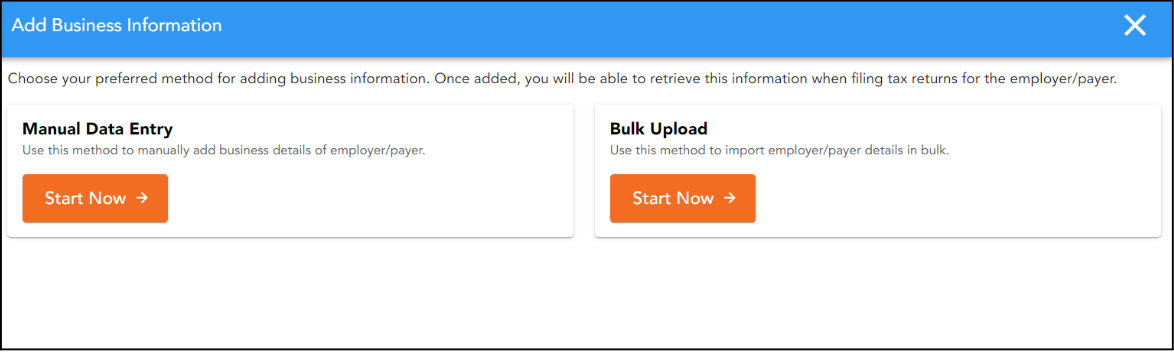
Now, choose your preferred method for adding Payee/Employer information:
Option 1: Manual Data Entry - To add one Payee/Employer at a time, select Manual Data Entry. This method is ideal if you are adding just one or two businesses.
Option 2: Import bulk Payer/Business data - Use the Bulk Upload option to import multiple Payee/Employer into the Address Book. Download the default excel template provided, follow the instructions to fill in the information, and upload the file.
- Provide the necessary Payee/Employer information and click Save.
- The new business will now be available in your Address Book. You can easily select this Payee/Employer to file forms for them. You can also edit the details as needed under the Action column.